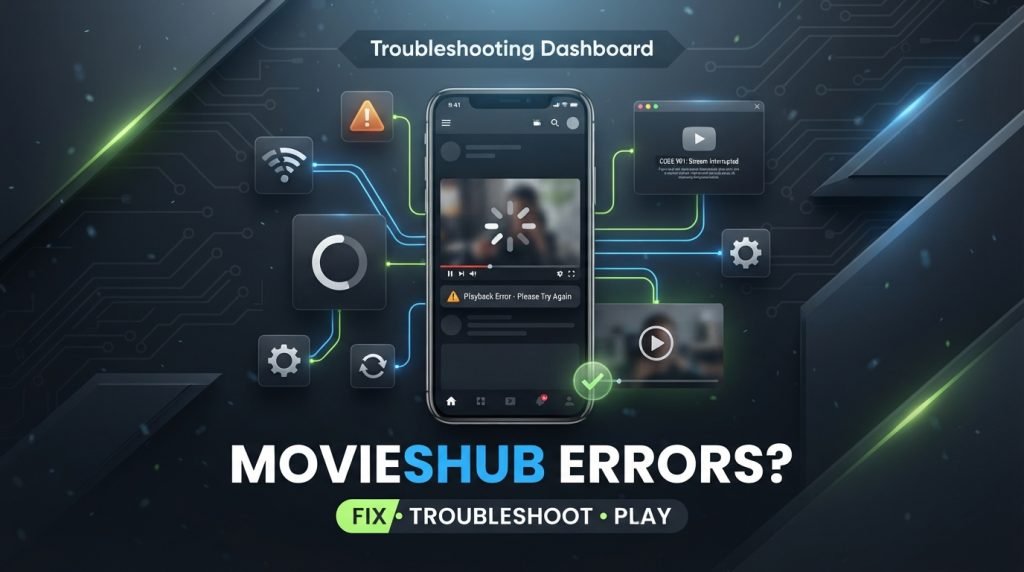
MovieHub APK | We’ve all been there. You’re ready to watch a movie, you open MoviesHub, and boom – black screen, buffering wheel that never ends, or “No links found”. It ruins the whole mood.
I use MoviesHub on my phone and Firestick almost daily, so I’ve faced almost every error. Here’s how I actually fix them, without any technical jargon.
1. Video Keeps Buffering or Server Not Connecting
This is the most annoying one. Video starts, then pauses every 10 seconds.
What works for me:
Change the server. When you play a movie, you’ll see 2-3 different servers or links. Don’t stick to Server 1. Tap on it and switch to Server 2 or 3. Most of the time that alone fixes buffering.
Lower the quality. I know we all want to watch in 1080p, but if your WiFi is slow, it will keep loading. Go to the player settings and drop it to 720p or 480p. It plays much smoother.
Use a VPN. Sometimes your internet company blocks these streaming servers. I just turn on any free VPN, connect to US or Singapore, and all the links start working again.
Restart your WiFi. Sounds simple but it works. Just unplug your router for 30 seconds and plug it back in. It clears that DNS lag and your speed comes back.
2. Black Screen or App Crashes As Soon As You Open It
You open the app and it’s just black. Or it opens for 2 seconds and closes itself.
This is almost always because of old cache files.
Here’s the fix:
1. Go to your phone’s Settings
2. Tap on Apps and find MoviesHub
3. Tap on Storage & Cache
4. First tap Clear Cache. If it still doesn’t work, tap Clear Data too.
5. Now restart your phone and open the app again.
Settings > Apps > MoviesHub > Storage > Clear Cache
Also, if you have a cheap Firestick or an old phone, close all other apps running in the background. These devices have very little RAM. If 5 apps are open, MoviesHub will crash. Close everything and then try again.
3. “Parse Error” and “App Not Installed” Problem
This happens right after you download the APK and try to install it.
If it says “Problem Parsing the Package:
It means your file didn’t download properly, or your Android version is too old for that APK.
What I do is – delete that APK file, clear my browser cache, and download it again from a trusted site with good internet access. Don’t use mobile data if your signal is weak, the file gets corrupted.
If your phone is running Android 5 or 6, the latest APK might not support it. You’ll need an older build.
If it says “App Not Installed”:
- Check your storage. You need at least 500MB free. Go to Settings > Storage and see.
- Go to Settings > Security > Install Unknown Apps and make sure you turned it ON for Chrome / File Manager.
- Uninstall any old version of MoviesHub that’s already on your device. You can’t install a new one over an old one sometimes.
4. Dual Audio or Subtitle Out of Sync
This happens a lot with Hollywood dubbed movies.
If the audio is in the wrong language or subtitles are late:
- While the movie is playing, tap on the screen and go to Audio settings. You’ll see Track 1, Track 2. Switch between them.
- If the inbuilt player doesn’t have audio controls, I use MX Player or VLC. Just install MX Player from Play Store, then go to MoviesHub Settings and set External Player as default. You get full control over audio delay and subtitle timing there.
What To Do When All Servers Are Down?
Sometimes it’s not your fault. The MoviesHub servers are under maintenance and no links work for a few hours.
When that happens, some people go to sites like hdmovieshub, hd movies hub, all movies hub to find other links. You can do that as a temporary backup.
But honestly, the best long-term fix is to just keep your app updated, clear cache once a week, and use a VPN when links don’t show up. That solves 90% of the issues.
I keep my MoviesHub updated, I clear cache every Sunday, and I always keep a VPN ready. I haven’t had a major issue in months.
Try these fixes and your movie night should be back on track.